← All products Browser Extension

Even Keel – Audio Pro

Broadcast-style processing for every tab.

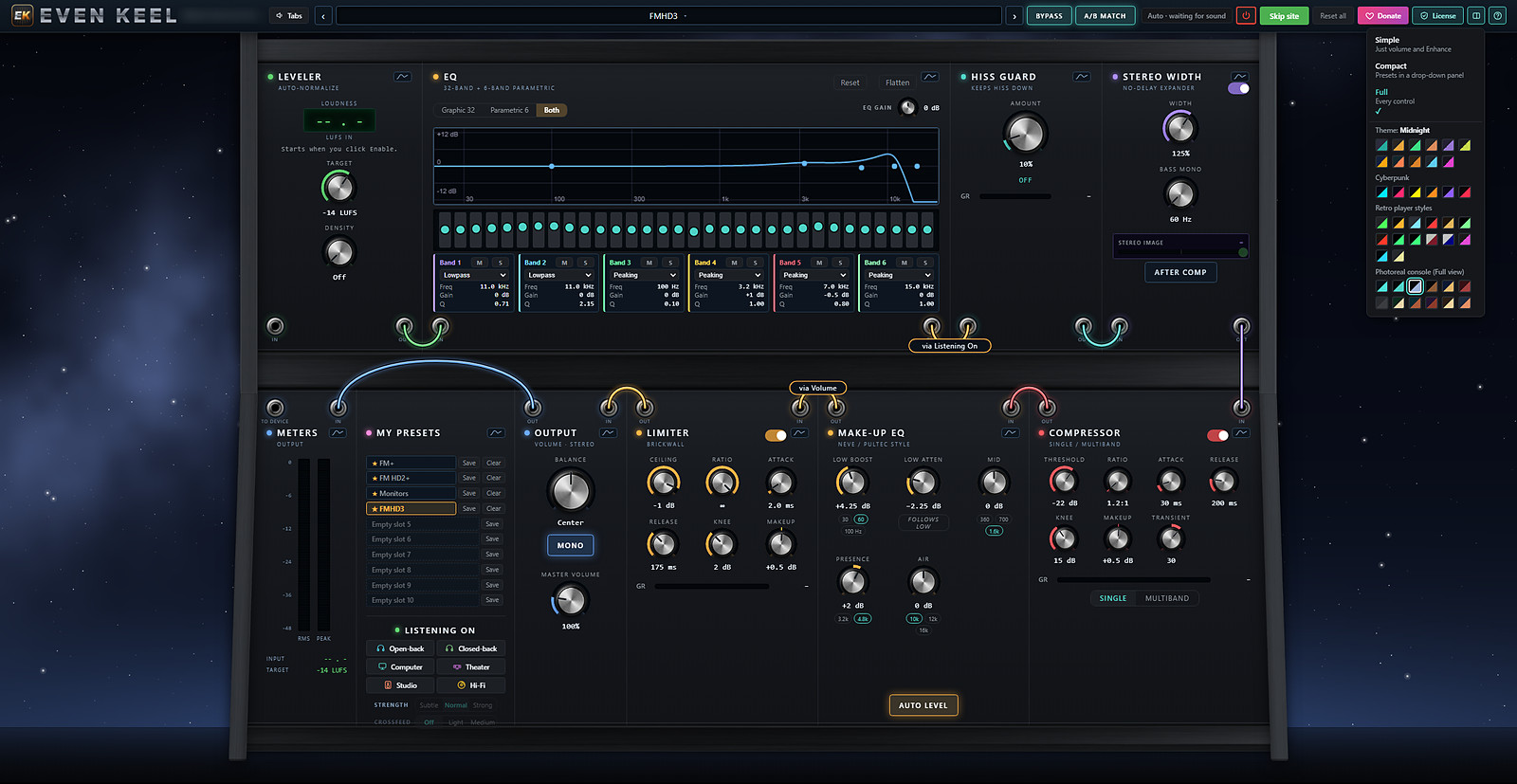
Even Keel – Audio Pro brings a full broadcast processing chain to Chrome, Brave and Edge. Loud ads stop blasting, quiet videos come up, and streams sound the way radio is supposed to. Use the one-click popup, or open the full rack and patch it the way you like.

Browsers
Chrome, Brave, Edge (Chromium)
Works on
Any site that plays audio
Price
Free · donation supported

Three ways to use it

Start simple, go as deep as you like. Switch views any time from the menu.

1

Simple

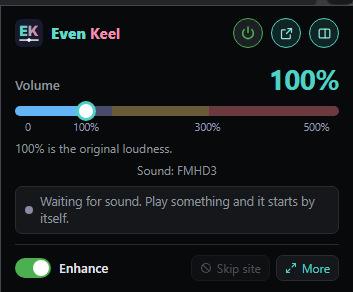
Just volume and Enhance. Click the EK icon, turn it up, done.

2

Compact

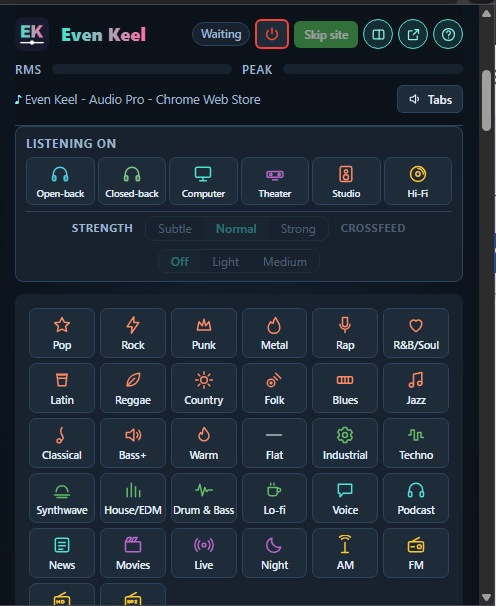
Presets and Listening On in a drop-down panel, one click away.

3

Full

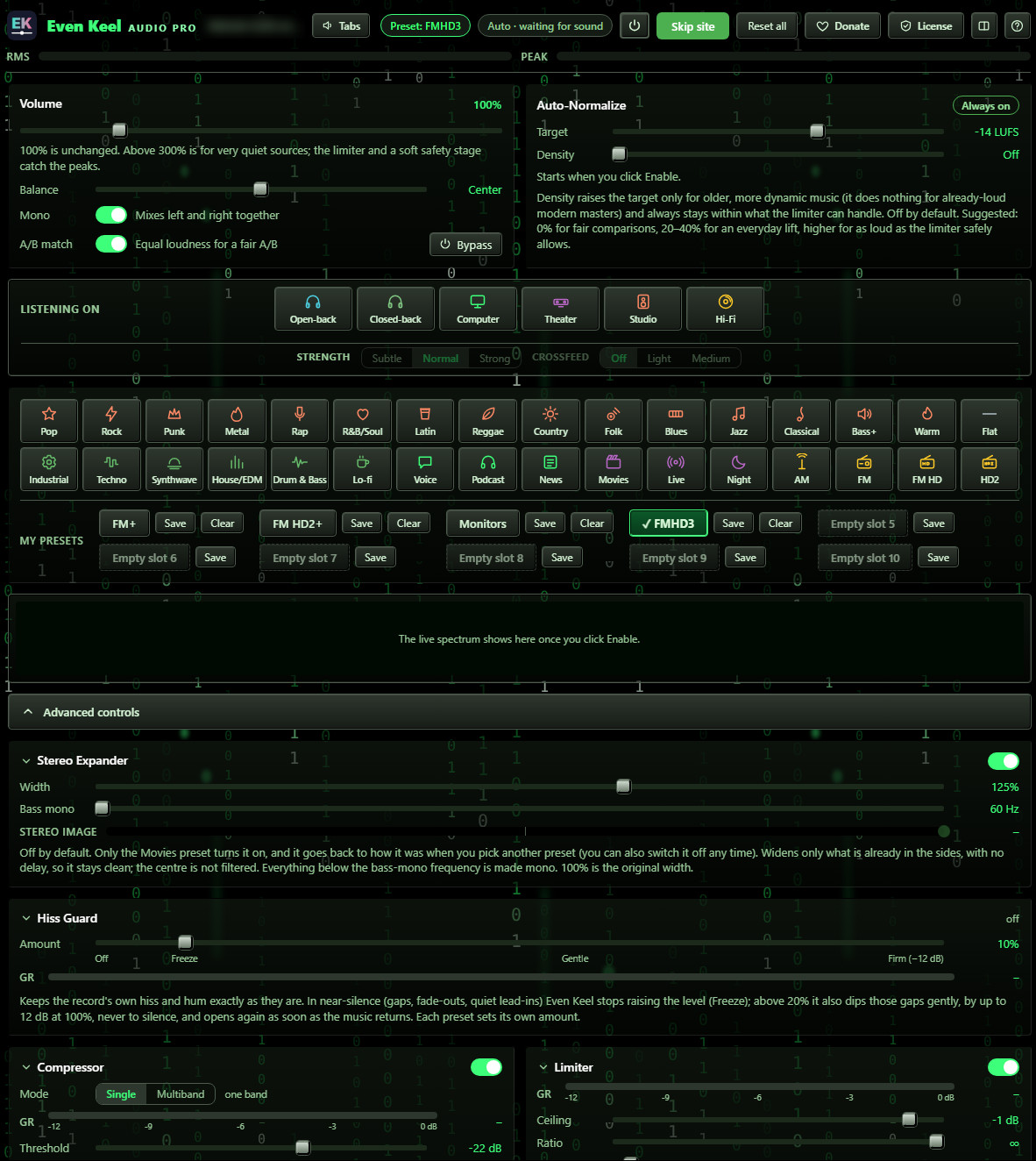
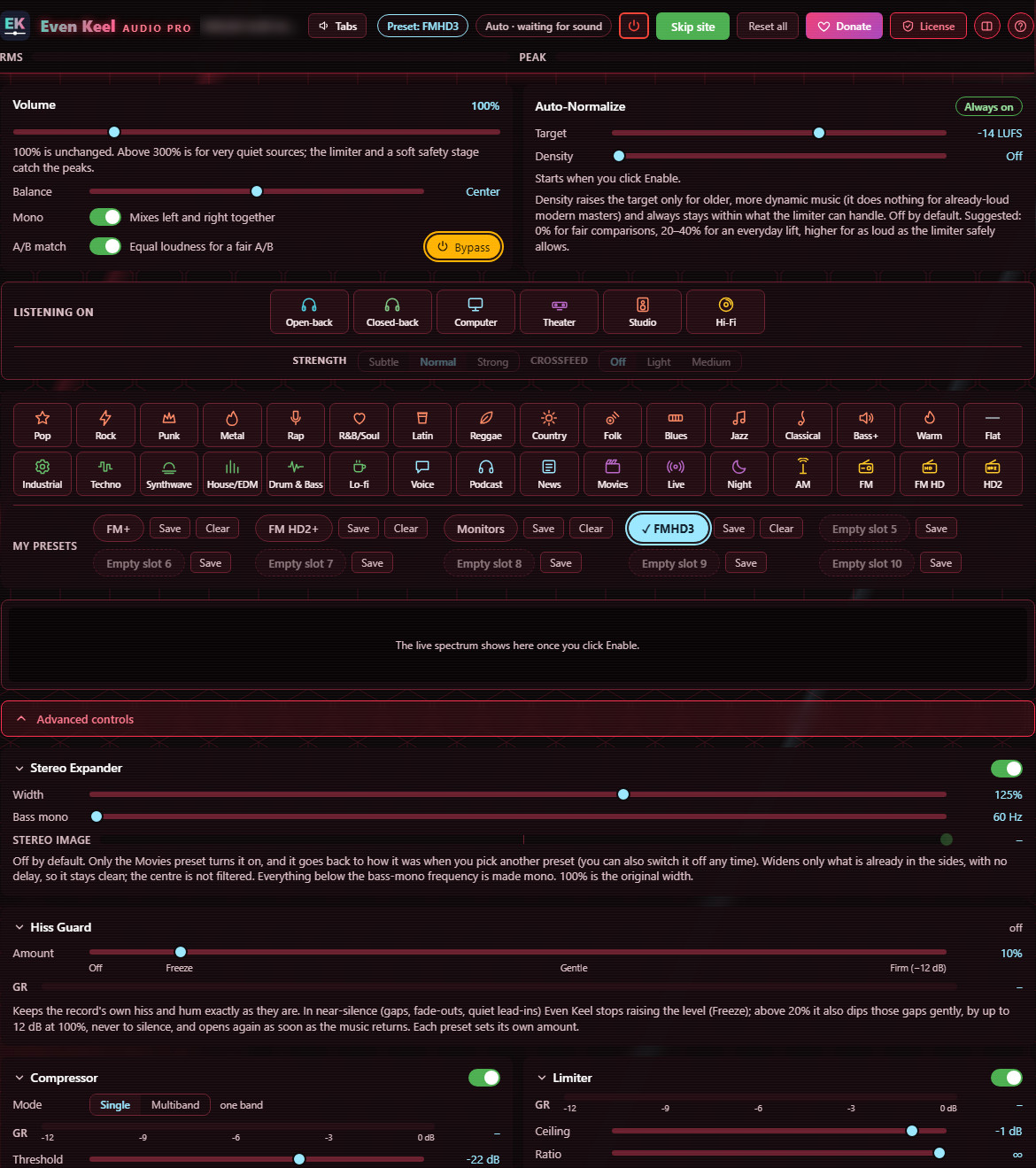
Every control in a patchable rack. Open it in its own tab and dig in.

Make it yours

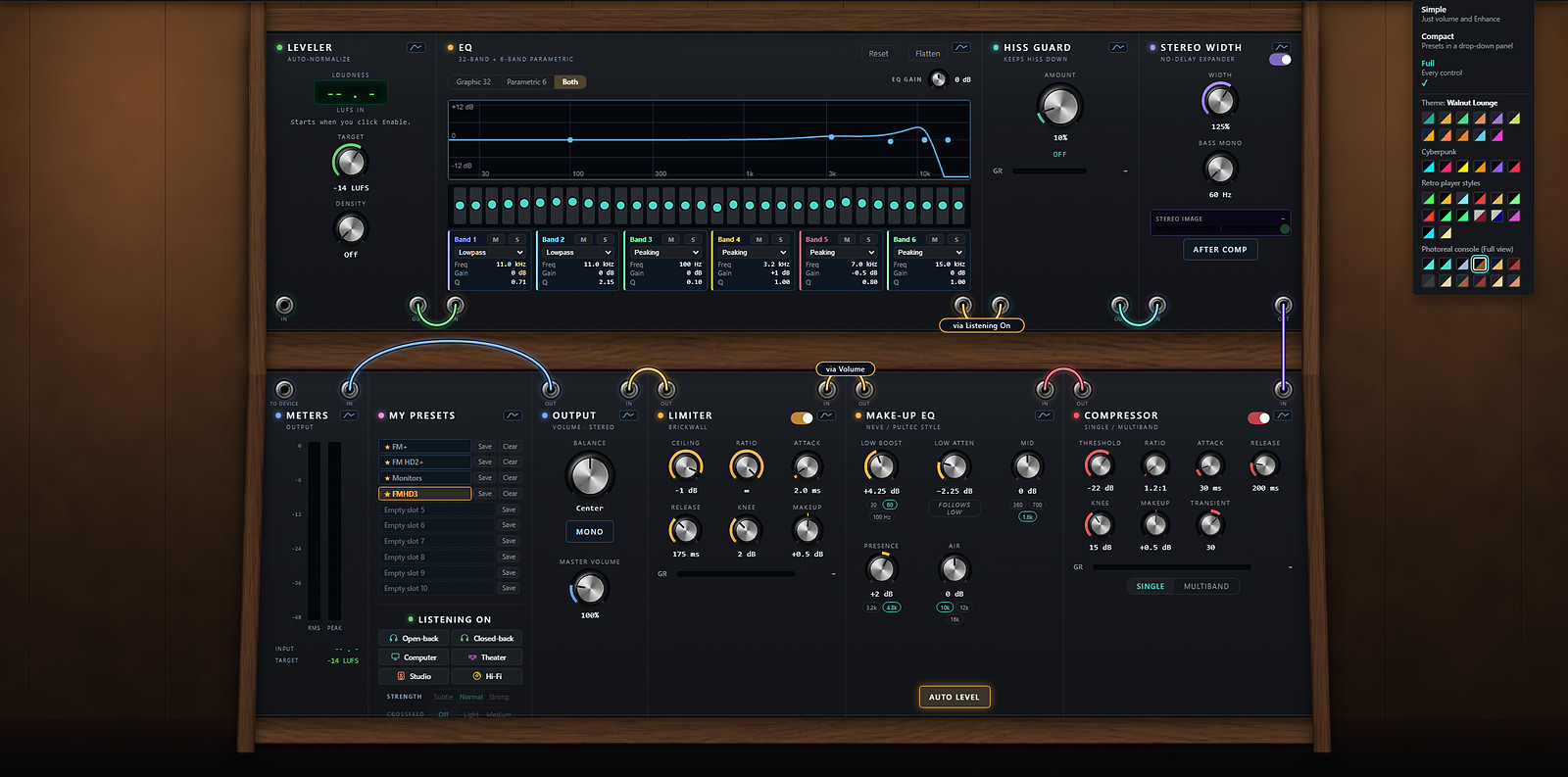
40+ themes, from photoreal consoles to retro players.

Midnight
Walnut Lounge
Matrix
Crimson

What it does

Auto-normalize

A LUFS-based leveler holds everything near your target (−14 LUFS by default), so tab-to-tab volume stays even.

Volume to 500%

Boost very quiet sources well past 100%. A brickwall limiter and soft safety stage catch the peaks.

40+ presets

Genre presets from Pop to Classical, plus radio flavors: AM, FM, FM HD and HD2. Save up to 10 of your own.

Listening On

Tune the sound for open-back or closed-back headphones, computer speakers, theater, studio monitors or hi-fi, with optional crossfeed.

Full processing chain

32-band graphic and 6-band parametric EQ, single or multiband compressor, Hiss Guard, stereo expander and a Neve/Pultec-style make-up EQ.

A/B match & themes

Equal-loudness A/B for fair comparisons, Simple, Compact or Full views, and themes from Walnut Lounge to Cyberpunk.

Get started

Three steps and you're listening.

  1. Click Add to browser to open the store page.
  2. Click Add to Chrome (it's the same button in Brave and Edge).
  3. Pin the EK icon to your toolbar, play something, and click Enable.